Brainstorm Session Mind Map for Product Management: Capture Ideas With Structure, Not Chaos
The quarterly product brainstorm is scheduled for Thursday. Six engineers, two designers, a product marketing lead, and you -- the PM -- will spend 90 minutes generating ideas for the next quarter. History suggests you will leave with 47 sticky notes on a whiteboard, a Miro board with 30 unorganized text blocks, and a follow-up action item that says "PM to synthesize brainstorm output into prioritized list."
That synthesis takes 3 hours. You do it over the weekend. Half the ideas are duplicates phrased differently. A quarter are technically infeasible. The remaining quarter are good but lack the context that made them compelling in the room. You email the prioritized list on Monday. Nobody argues with it because nobody remembers the nuances from Thursday.
The brainstorm produced ideas. It did not produce decisions.
Why Unstructured Brainstorms Waste Product Teams' Time #
The Harvard Business Review published a meta-analysis in 2024 showing that structured ideation sessions produce 42% more actionable ideas than freeform brainstorms. The reason is not that structure suppresses creativity. The reason is that structure prevents the three failure modes of unstructured brainstorms: (1) idea clustering, where the first idea spoken anchors all subsequent ideas in the same category, (2) dominance bias, where the most senior or most vocal person's ideas receive disproportionate attention, and (3) evaluation deferral, where all ideas are captured but none are assessed in the room.
Product managers run 3-6 brainstorm sessions per quarter across feature ideation, sprint planning, roadmap prioritization, and strategic planning. At 90 minutes per session plus 3 hours of PM synthesis time, that is 18-27 hours per quarter spent on ideation processes. If 42% of the output is not actionable (HBR's finding for unstructured sessions), then 7.5-11 hours per quarter are invested in ideas that go nowhere.
A pre-structured brainstorm mindmap changes the economics. Instead of generating ideas in a void and organizing them afterward, the team generates ideas into a framework that categorizes, evaluates, and connects them in real time. The 3-hour synthesis step disappears because the synthesis happens during the session.
What Product Managers Have Tried #
Option 1: Whiteboard and sticky notes.
The classic approach. Everyone writes ideas on sticky notes. Sticky notes go on the whiteboard. The PM groups them into clusters. The session ends with a photo of the whiteboard. The photo sits in a Slack channel. The PM spends 3 hours the next day transcribing, de-duplicating, and organizing the ideas into a prioritized list. Nobody references the original whiteboard photo again.
Option 2: Collaborative digital whiteboard (Miro/FigJam).
Everyone adds text blocks to a shared canvas. Real-time collaboration means ideas appear simultaneously. The canvas becomes cluttered within 15 minutes. The PM tries to move blocks into clusters during the session but falls behind the idea generation pace. The session ends with a digital mess that looks exactly like a physical whiteboard -- colorful, full, and unstructured.
Option 3: Linear brainstorm in Google Docs.
Someone shares a Google Doc. People type ideas in a bulleted list. The list grows to 40 items. No hierarchy, no categorization, no relationships between ideas. Idea 7 is a refinement of Idea 3, but they appear 12 rows apart. Idea 22 depends on Idea 15, but there is no way to show that dependency in a flat list.
Option 4: Skip the brainstorm entirely.
The PM collects feature requests from customer feedback, sales team input, and engineering suggestions via async channels. They build the roadmap from aggregated input without a group session. This avoids the chaos of live brainstorms but misses the cross-pollination that happens when engineers hear customer pain points directly and designers hear technical constraints in context.
The Real Problem #
Brainstorming is valuable. The way most teams brainstorm is not. The problem is that every brainstorm tool -- physical or digital -- optimizes for idea capture and ignores idea organization. Capturing 50 ideas is easy. Turning 50 ideas into 5 prioritized initiatives with feasibility assessments, customer impact estimates, and engineering effort scores is the actual work. And that work always happens after the session, by one person (the PM), without the context that made each idea compelling.
A brainstorm mindmap that pre-structures the session into thematic categories, evaluation criteria, and connection opportunities does not restrict creativity -- it channels it. Instead of generating idea #47 ("What about a dark mode?") that has no relationship to the strategic theme, the structure guides the team toward ideas that fit the quarter's priorities and can be evaluated against consistent criteria.
What Is in This Map #
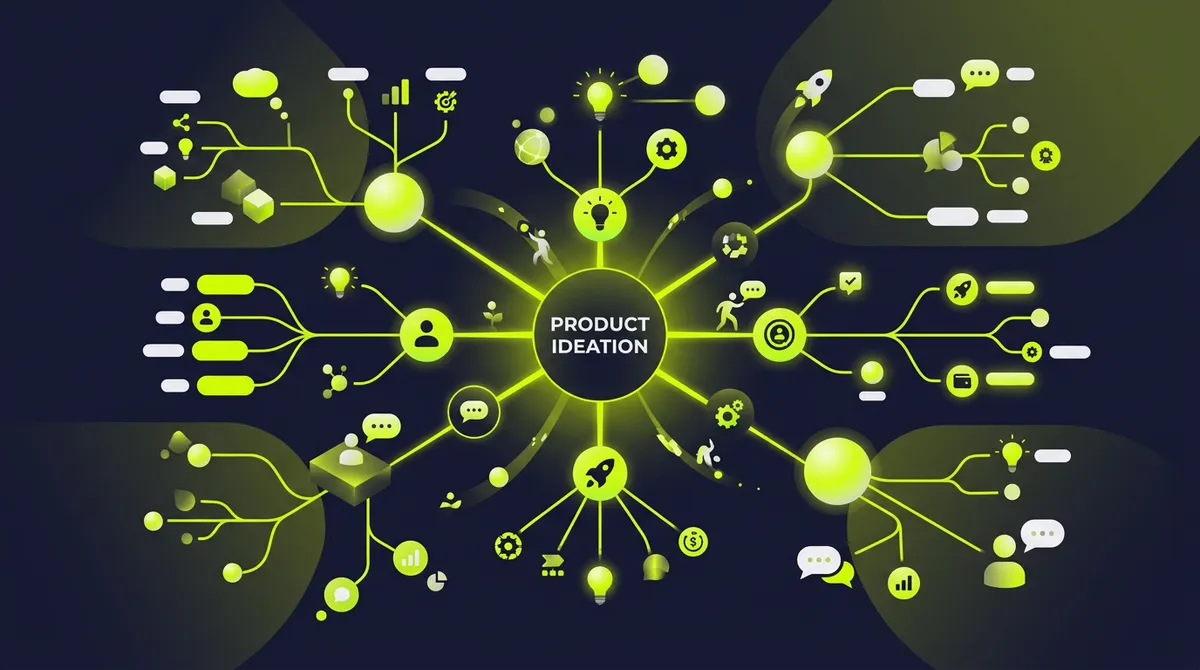
This brainstorm session mind map template contains 30 nodes across 5 primary branches:
Branch 1: Problem Space Framing
Sets the strategic context before ideation begins: the customer problem being addressed (with supporting data -- NPS verbatims, support ticket themes, churn reason codes), the business objective for the quarter (revenue target, retention target, or expansion target with specific numbers), constraints the team is working within (engineering bandwidth: X sprints, design bandwidth: X designer-weeks, dependencies on other teams), and success criteria for the brainstorm itself (what constitutes a "good" idea in this context -- customer impact score above 7, engineering effort below 3 sprints, alignment with annual theme).
Branch 2: Idea Categories by Theme
Pre-structured categories aligned with the quarter's strategic priorities. For a product brainstorm, these might include: user acquisition ideas (features that reduce onboarding friction, viral loops, self-serve capabilities), retention ideas (features that increase daily active usage, reduce churn triggers, deepen workflow integration), monetization ideas (upsell opportunities, feature gating refinements, pricing model experiments), and platform/infrastructure ideas (performance improvements, developer experience, technical debt reduction). Each category includes a sub-node with the evaluation lens: "How does this idea move the specific metric this category targets?"
Branch 3: Feasibility and Effort Assessment
For each idea that passes initial discussion, this branch captures the real-time assessment: engineering effort estimate (T-shirt sizing: S/M/L/XL with rough sprint counts), design complexity (new patterns required vs. existing component library), data/infrastructure dependencies (new data pipelines, third-party integrations, performance implications), and risk factors (technical unknowns, regulatory considerations, backward compatibility concerns). This branch prevents the common failure where exciting ideas are prioritized without understanding their cost.
Branch 4: Customer Impact Mapping
Maps each idea to the customer segments it affects: power users (daily active, high engagement), casual users (weekly active, feature-specific), churned users (recently cancelled, reactivation potential), and prospective users (in trial, evaluating competitors). Each segment node includes the estimated impact magnitude: "Reduces onboarding time from 12 minutes to 4 minutes for new users -- affects 2,400 trial signups per month." This branch forces the team to quantify impact rather than asserting that an idea "would be really valuable."
Branch 5: Connections and Dependencies
Maps the relationships between ideas across categories: ideas that are mutually reinforcing (building A makes B more valuable), ideas that are mutually exclusive (building A eliminates the need for B), ideas that require sequential implementation (C depends on D being built first), and ideas that create compound effects when shipped together (E + F together produce more impact than E and F shipped separately). This branch is what transforms a brainstorm from a list of independent ideas into a strategic sequencing discussion.
Why This Template Works for Product Management #
Product brainstorms fail when they end with a list of ideas and no decision framework. This template embeds the decision framework into the session itself. Instead of asking "What should we build?" and capturing everything, the template asks "What should we build to achieve [specific metric target] given [specific constraints] for [specific customer segments]?"
The feasibility branch changes team dynamics during the session. When an engineer hears an idea and immediately estimates "That is 6 sprints including the data migration," the team can decide in real time whether to refine the idea, simplify the scope, or move to the next concept. Without this branch, the PM discovers the 6-sprint estimate days later during a follow-up grooming session, after the idea has already been communicated to stakeholders as a priority.
The connections branch is unique to this template. Traditional brainstorm tools treat ideas as independent items. Product strategy requires seeing ideas as a system. When three ideas in different categories share a common data infrastructure dependency, building that infrastructure first enables all three at lower marginal cost. That insight only emerges when the map shows the connections explicitly.
Common Use Cases #
- Quarterly roadmap ideation. The PM uses this template to structure the quarterly brainstorm that feeds the roadmap prioritization process. The session output is not a list of ideas -- it is a pre-assessed, categorized, effort-estimated set of candidates ready for RICE or ICE scoring.
- Feature discovery workshops. When exploring a new problem space (e.g., "How should we approach the enterprise segment?"), the template structures the exploration around customer problems, solution hypotheses, feasibility constraints, and competitive whitespace. The output is a set of validated hypotheses rather than a scatter of unexamined assumptions.
- Hackathon scoping sessions. Before a product hackathon, the team uses this template to scope viable projects. The feasibility branch ensures that hackathon projects are achievable within the time constraint, and the customer impact branch ensures that hackathon output has a path to production.
- Post-mortem improvement brainstorms. After a feature launch underperforms, the team uses this template to brainstorm improvements. The problem space framing branch anchors the discussion in specific underperformance data (conversion rate 12% below target, Day 7 retention 20% lower than baseline), preventing the discussion from drifting into general product wishes.
- Cross-functional design sprints. When designers, engineers, and PMs run a focused design sprint on a specific user problem, this template provides the structured ideation framework that keeps the sprint on track and produces evaluable output rather than whiteboard artifacts.
Related Templates #
- Product Launch Mind Map for Product Management - From ideation to launch
- Project Plan Mind Map for Product Management - Execution planning
- Competitive Analysis Mind Map for Product Management - Competitive context
- Brainstorm Session Mind Map for Marketing - Marketing ideation
Questions #
What is Nodekit? #
Nodekit generates complete, content-rich mindmaps from a plain-text description. You describe the brainstorm context -- strategic theme, constraints, team composition -- and you get a structured session framework with evaluation criteria, categorization themes, and connection mapping in every branch.
Can I customize this template before the session? #
Yes. Change the strategic priorities, adjust the evaluation criteria, add or remove idea categories based on the quarter's focus areas. The template is the session scaffolding. You adapt it to your team's context.
What format can I export this in? #
PDF, PNG, and SVG. Export the pre-session framework as a PDF for distribution. Export the completed map after the session as the official brainstorm output document.
How many people can use this template in a live session? #
The template works best with 4-10 participants. Smaller groups benefit from the structure without feeling constrained. Larger groups should split into sub-groups by branch, each populating their category with ideas, then reconvening to map connections.
Is this template free? #
You can view and interact with every template for free. Exporting and customizing requires a Nodekit account.
How long should a structured brainstorm session last? #
90 minutes for a full session using this template: 15 minutes on problem space framing, 40 minutes on idea generation within categories, 20 minutes on feasibility assessment, and 15 minutes on connections and prioritization. Shorter than an unstructured brainstorm (which often runs 2+ hours) with higher-quality output.
featuredImage: "/blog-images/product-management-brainstorm-session-mindmap-featured.webp" ogImage: "/blog-images/product-management-brainstorm-session-mindmap-featured.webp" #
Nodekit: Describe it. Done.
Related Pages
Business Plan Mind Map for Consulting: The Client Deliverable That Closes Engagements
Consulting firms produce business plan deliverables that cost $200/hour to build manually. The strategic thinking takes 2 hours. The visual construction takes 2 more.
Competitive Analysis Mind Map for Consulting: Structure the Intelligence Your Clients Pay For
Competitive analysis is the highest-value deliverable in consulting. Building the visual that communicates it is the lowest-value task.
Content Calendar Mind Map for Marketing: See the Full Editorial Strategy in One View
Content calendars in spreadsheets show dates. Content calendar mindmaps show strategy. Which topics connect, which channels amplify what, and where the gaps are.
Project Plan Mind Map for Marketing: Ship Campaigns Without the Spreadsheet Spiral
Marketing teams spend 45 minutes building project plans that should take 15 seconds. The strategy is already in your head. The problem is construction.
SWOT Analysis Mind Map for Marketing: Turn Competitive Intelligence into Visual Strategy
A SWOT analysis is only useful when each quadrant contains specific, actionable intelligence. Most tools give you four boxes and a blank canvas.